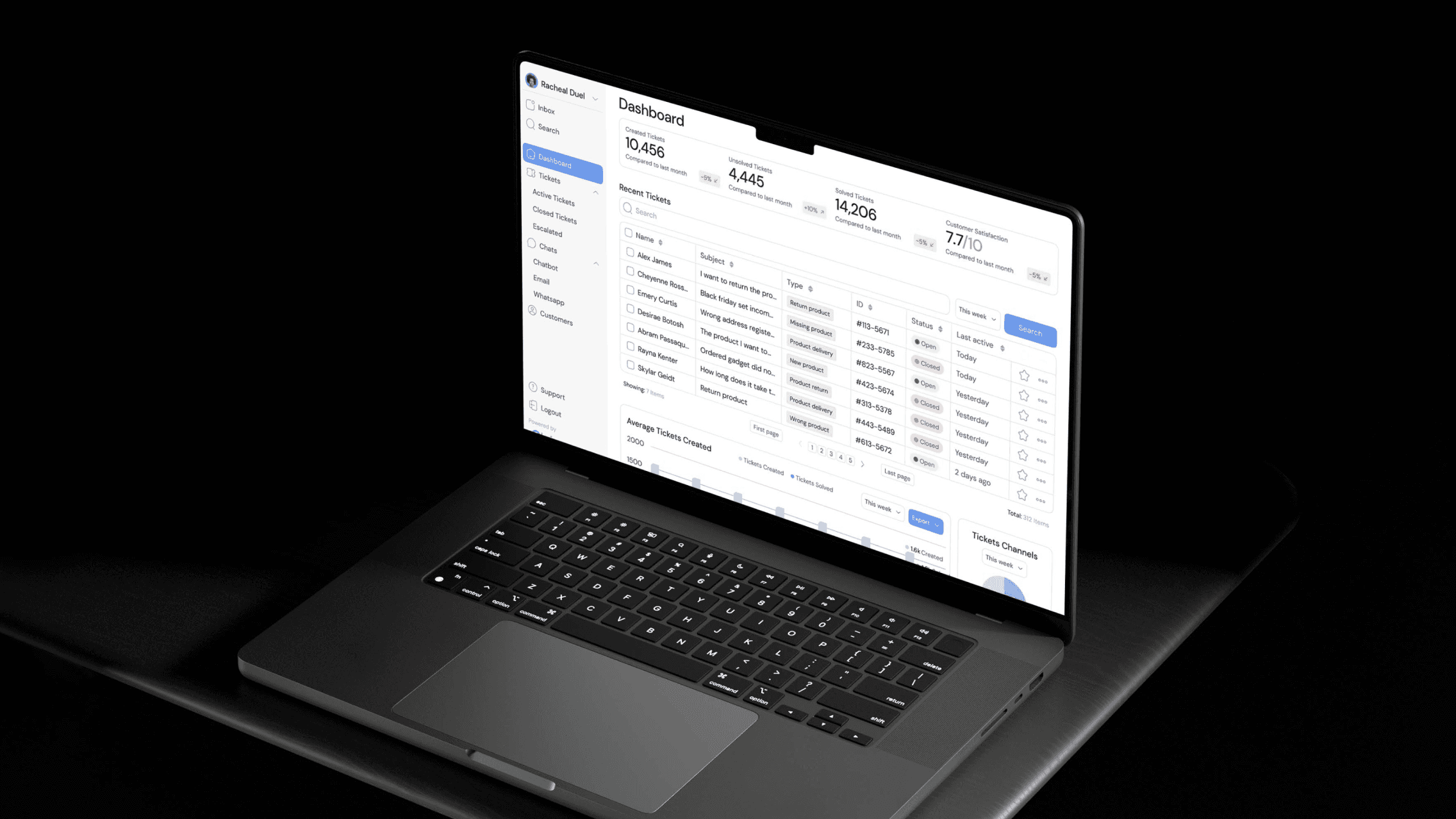
Sentrix Security
Cybersecurity
UI/UX Designer
2025
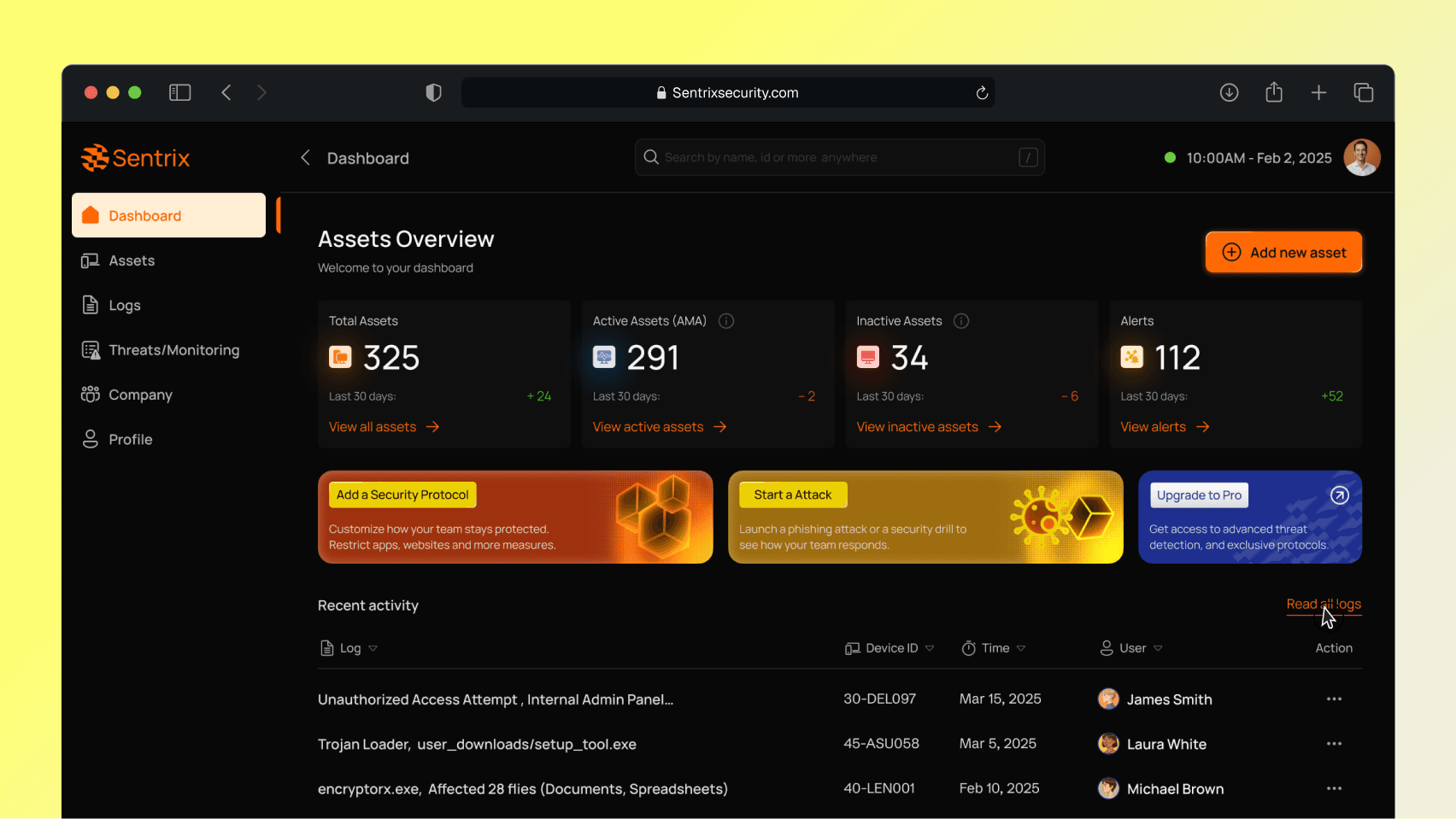
Sentrix is a security platform that helps companies monitor threats, run phishing tests, manage access, and protect devices, without overwhelming non-technical users. It’s designed for lean teams that care about security but don’t have hours to figure it out.
The Problem – When Security Tools Overwhelm, Teams Fall Behind.
Most vulnerable organizations don’t fail because they don’t care about security. Security is just often presented in a way that assumes every organization has an army of IT and cybersecurity staff. Leading to overwhelming smaller teams, inadequate security protocols, slow response time, poor communication of issues to non-technical staff and values to stakeholders while over spending on bloated software.
We uncovered four core issues through research and consultation:
Low Adoption: Employees skipped steps because dashboards felt cluttered and irrelevant to their daily work. Enterprise-only tools were everywhere, and small teams just tuned out.
Disconnected Workflows: Phishing tests, access control, device monitoring sometimes lived in separate tools. Which meant constant juggling and a high risk of missing something critical.
Alert Fatigue: Endless notifications and raw logs made it impossible to tell signal from noise. Teams didn’t know what to act on, or when.
Visibility Gaps: Leaders couldn’t get a clear picture of their security health at a glance. That delay turned minor issues into real risks.
Building for Clarity and Confidence
Our goal was simple: design a security platform that makes enterprise-grade protection usable by lean teams. Instead of overwhelming users with a wall of dashboards, we wanted to reimagine security around clarity, action, and speed. Using Figjam and Figma, I mapped user journeys to identify pain points, prioritize quick wins, and validate design assumptions.
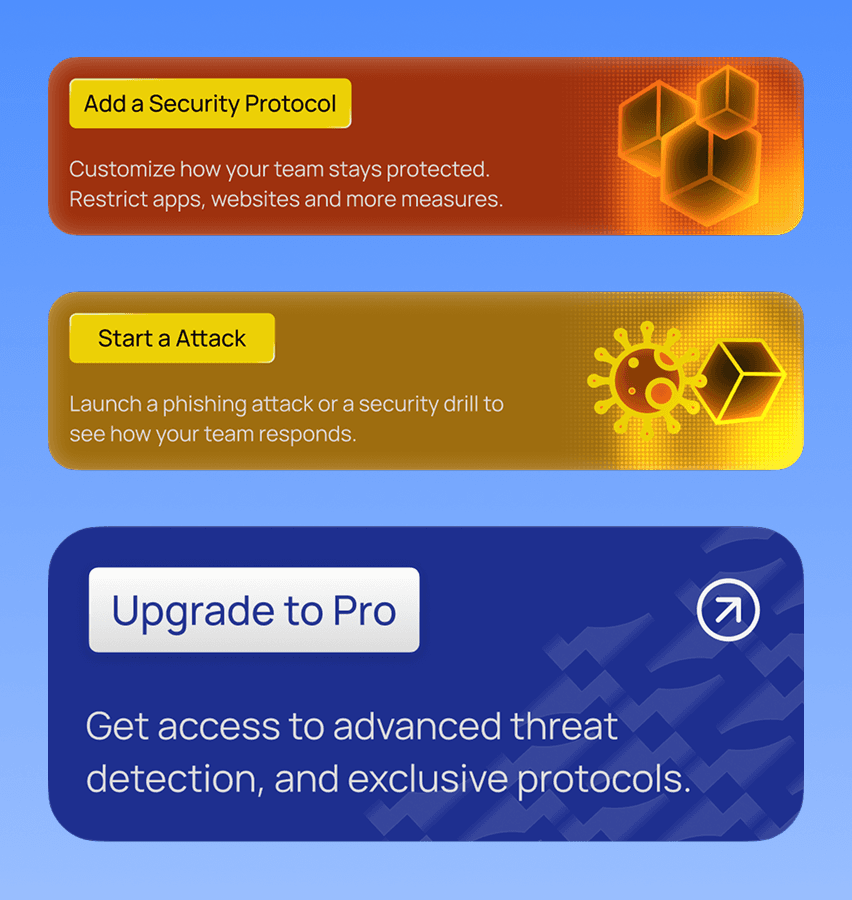
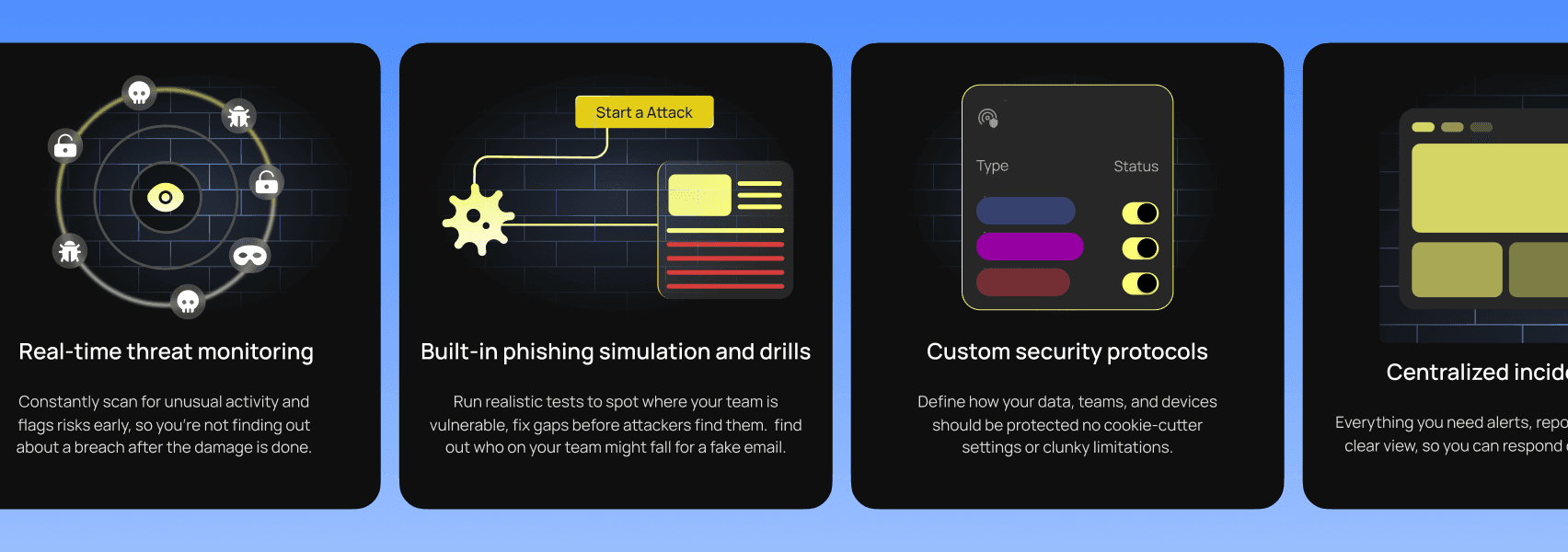
For Phase 1, we focused on four flows that deliver immediate value: Threat Monitoring, Phishing Simulation, Device & Asset Management, and Role-Based Access Control.
We distilled the challenge into five guiding “How Might We” questions.
How might we reduce cognitive overload so users see only what’s most critical without losing access to depth when needed?
How might we make onboarding effortless so even non-technical users feel secure within minutes, not days?
How might we design phishing tests that empower teams instead of slowing them down and getting important data?
How might we give leaders clear proof of ROI so security feels like a business advantage, not just a cost?
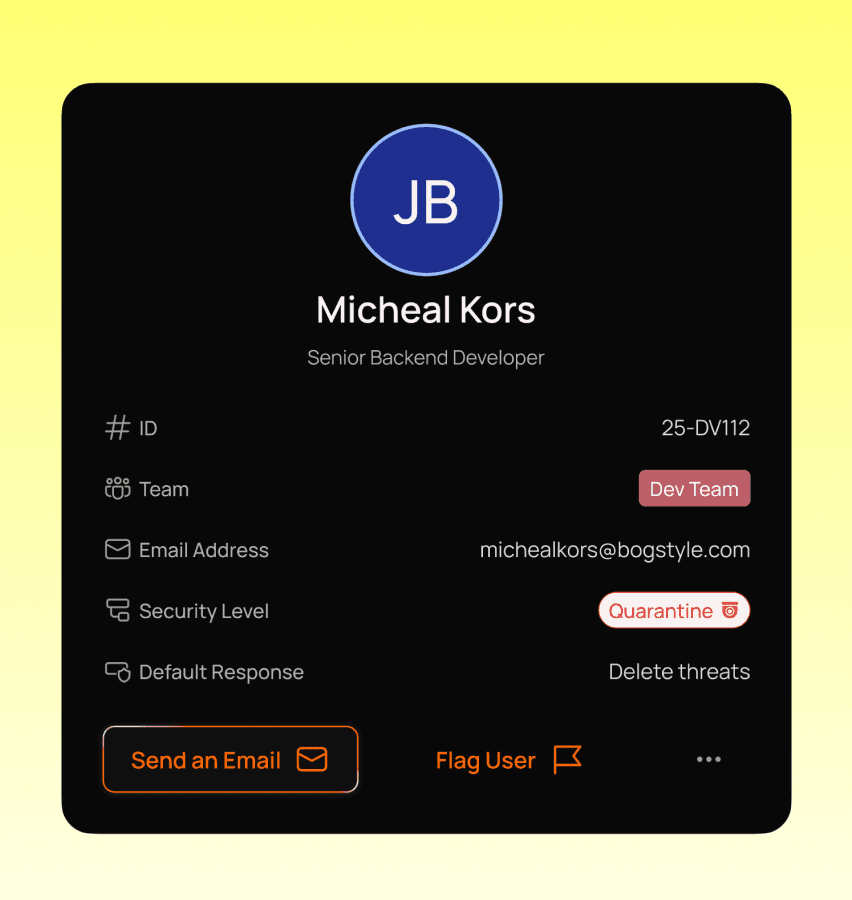
How might we adapt the experience to roles so admins, managers, and staff each see only what matters to them?
Smart Dashboard
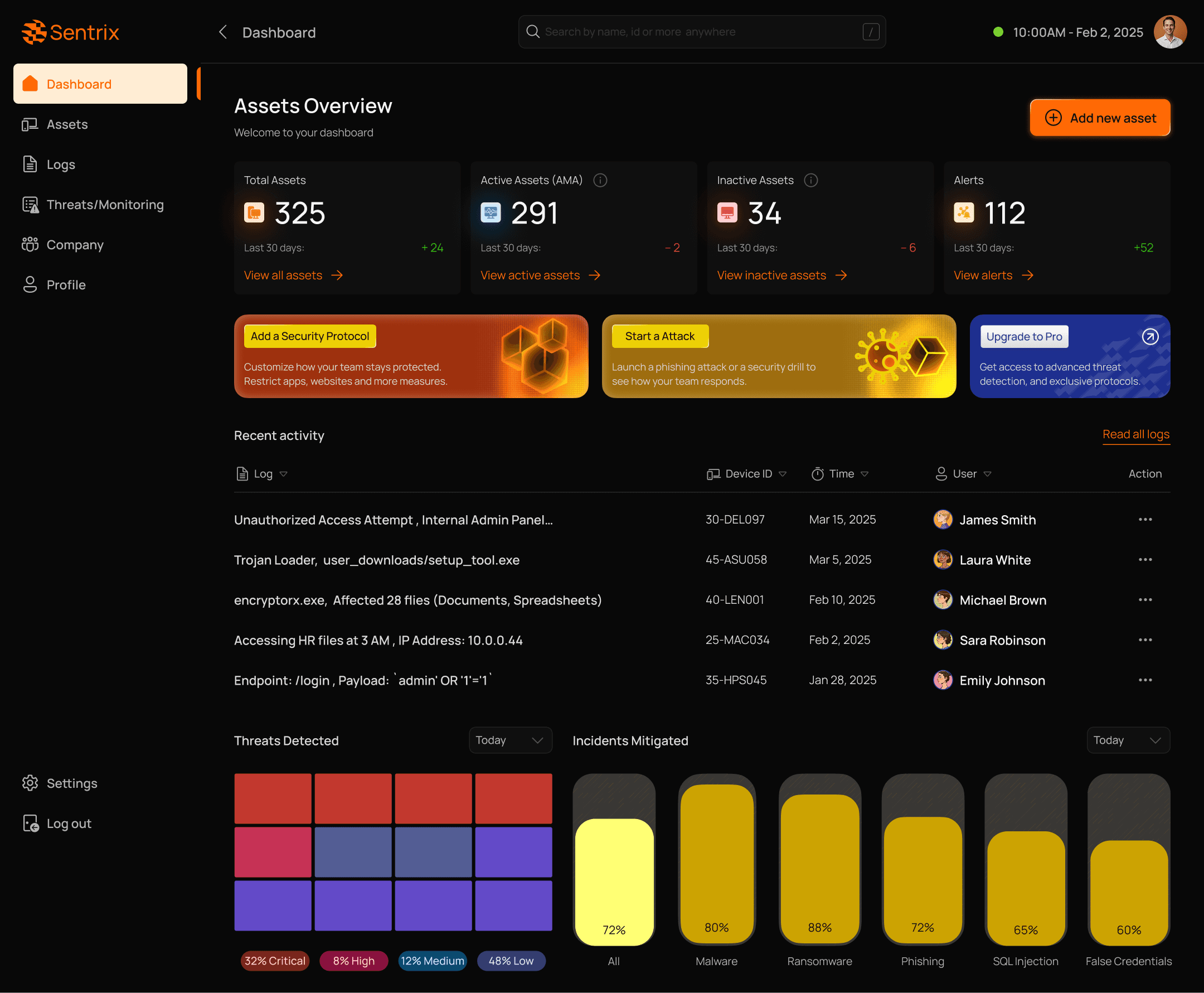
Most security dashboards drown users in graphs and jargon. Sentrix opens with a clean overview: assets, alerts, and incidents all in one place, with clear numbers and trends. It’s a control room that shows what matters now, not noise.
Key UX Improvements
1. Onboarding
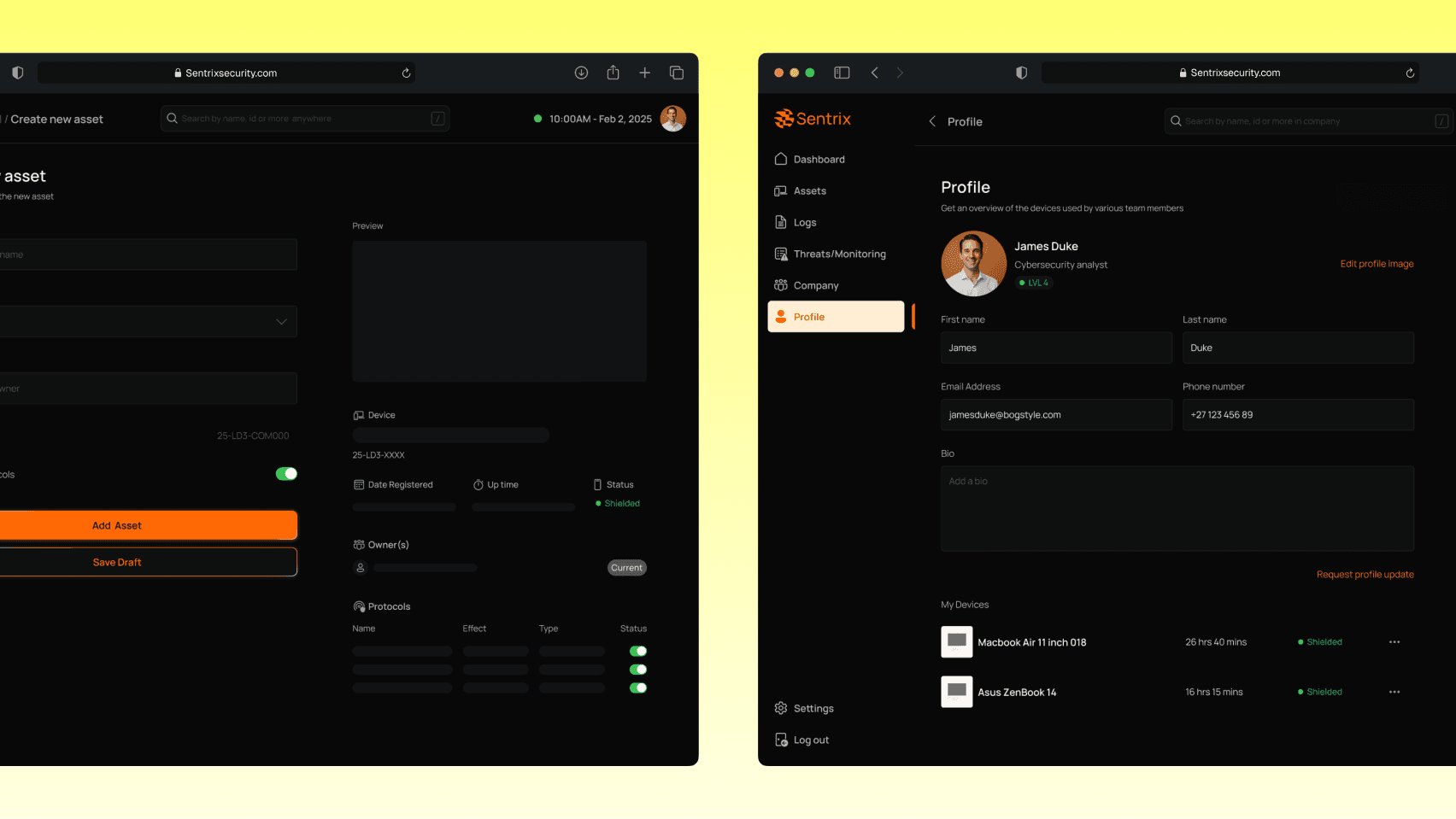
Broke setup into three easy steps: connect devices, invite team, run first scan. Used defaults and plain language to reduce friction.
2. Phishing Simulations
Created card-based setup with clear templates, expected outcomes, and easy-to-share results.
3. Device Management
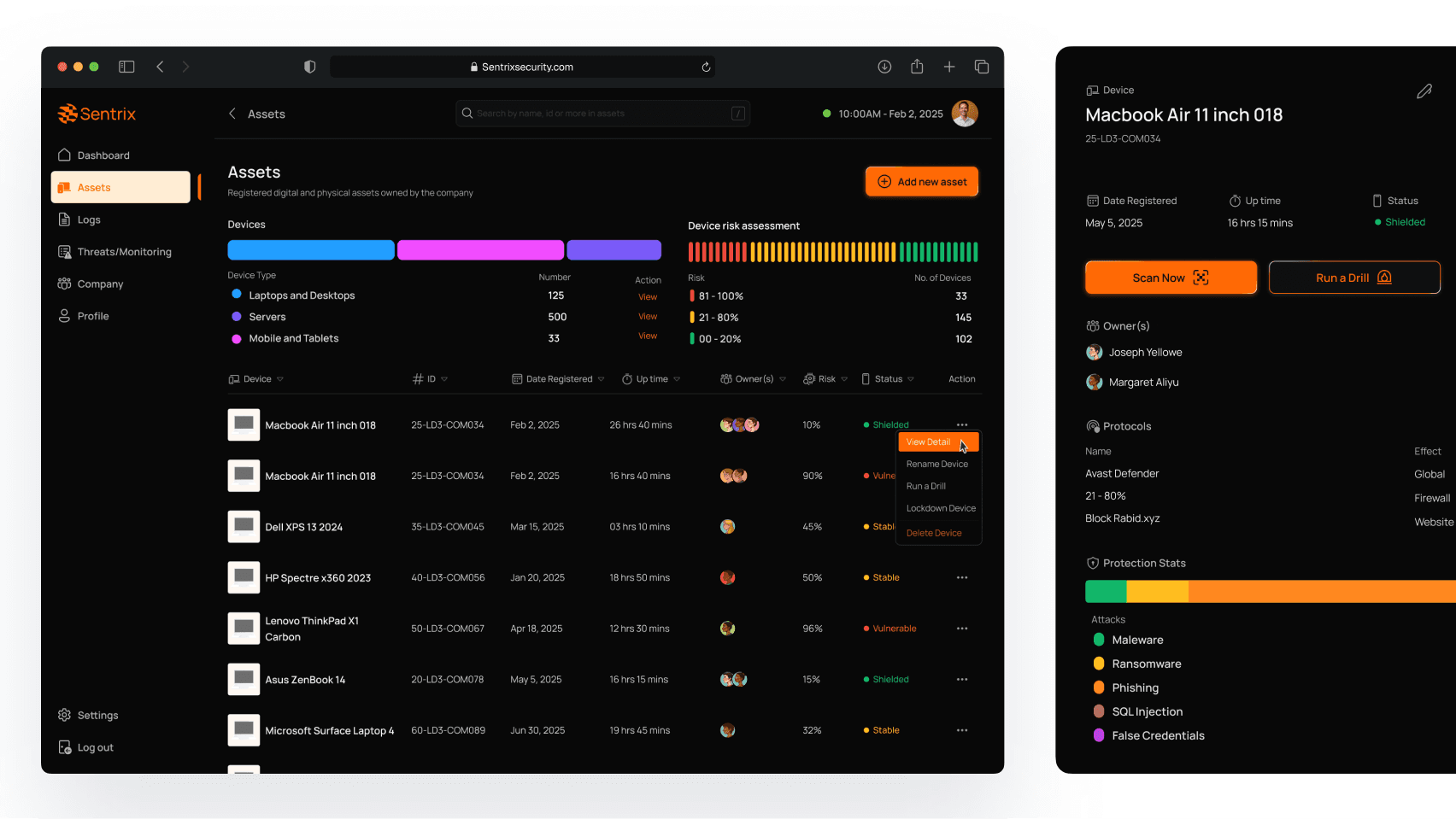
Designed a real-time dashboard with statuses like “Monitored” or “Needs Attention,” plus bulk actions for faster control.
4. Alerts & Logs
Grouped logs into incidents. Used readable summaries like “New login from Nairobi, 3:16AM.” Gave users compact/detailed toggle.
5. Access Control
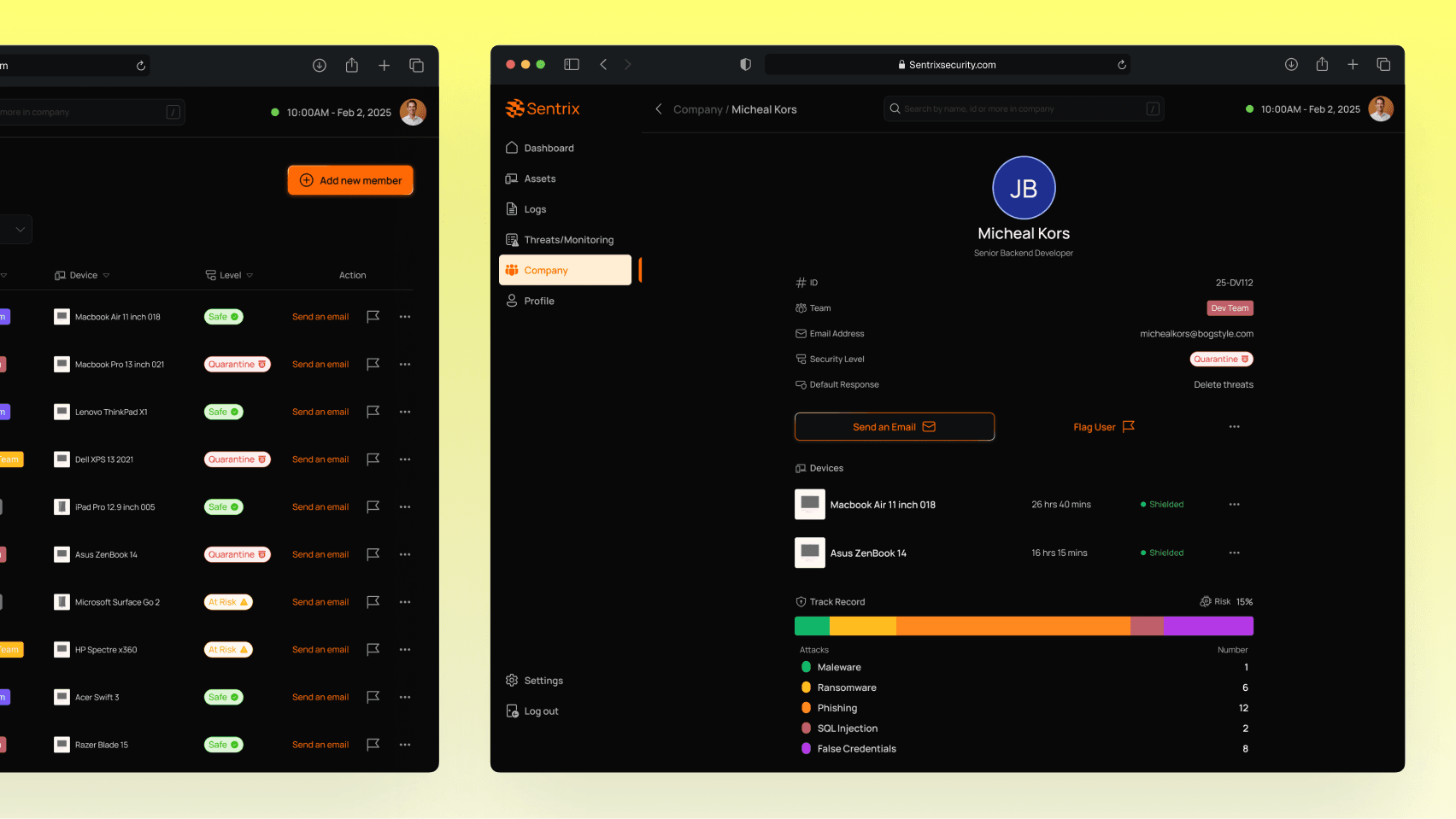
Added role presets, quick actions (lock, revoke), and a live preview of user permissions before applying changes.
Results
Onboarding time was cut by 60%, and 30% more users ran phishing drills compared to before. Teams felt in control, which meant fewer support tickets, and leaders finally had the clarity they’d been missing. The best feedback? Users said the product “felt secure, not scary”—which was exactly the goal from the start.
View More Projects